To transport a TV safely, find the manual for your model and follow its advice on orientation. Wrap the screen in a blanket, sandwich it between sheets of cardboard and pad the corners. Lift it with two people by the frame, never the panel. Strap it so it cannot slide or bounce, and drive gently over bumps.
How road bumps and jolts put a flat-screen TV at risk
A flat-screen TV is mostly a thin glass panel held in a light frame. The sustainable packaging research group at Victoria University in Melbourne puts the main risk plainly: "It is often the case that road surface aberrations are the main cause of product damage during road transport."
Road surface aberrations are the potholes, speed humps, tram tracks, railway crossings and broken patches you drive over every day without noticing. Each one sends a sharp up-and-down jolt through the vehicle and into whatever is in the back.
That research covers products in general, not TVs in particular, so it does not settle whether a screen should travel upright or flat. Your model's manual decides that. The research does tell you where to put your effort:
- Soft padding under the TV, so jolts are absorbed before they reach the frame.
- Straps that stop it bouncing and sliding, not just tipping over.
- Nothing loose nearby that could lift on a bump and land on the screen.
- A route with fewer speed humps, driven slowly over the rough patches you cannot avoid.
A slightly longer drive on smooth main roads is often kinder to a screen than a shortcut through back streets lined with speed humps.
Taking a TV off the wall and getting every part ready to move
Start with the manual. If the paper copy is long gone, the model number is printed on a sticker on the back panel, and searching that number usually brings up the manual online.
Look for three things: whether the TV may lie flat for a short trip, how to remove the stand or feet, and the storage temperature range. Write them down before you unplug anything, because you will need all three later.
Then work through this order:
- Photograph the back of the TV with every cable still plugged in, so reconnecting at the other end is quick.
- Switch off at the wall, unplug, and give the TV a few minutes to cool if it has been on.
- Disconnect the soundbar, set-top box and game console. Coil each cable loosely and label it with masking tape.
- With two people, one on each side, hold the TV by the frame and lift it off the bracket the way the bracket instructions describe.
- Remove the stand or feet on a soft, clean, flat surface, following the steps in the manual.
- Put the screws, feet, remote and cables into one zip-lock bag. Tape the bag to the outer cardboard once the TV is packed, never to the screen.
If you are leaving a rental, check with the property manager whether the wall bracket stays or comes down. If it travels with the TV, its screws go in the same bag.
Hold the TV by its frame, never by the panel. Thin panels flex when pressed, and a flexing panel can crack without any knock at all. Gloves with grip make a big screen far easier to hold steady.
How to pack a TV without the original box
Most original boxes were flattened and recycled the day the TV went on the wall. You can build packaging that does the same job from things already in the house.
Gather these first:
- A moving blanket, or a thick doona you do not mind using.
- Two sheets of stiff cardboard, each a little larger than the screen. Flattened appliance or furniture boxes work well.
- Extra cardboard strips for the corners.
- Packing tape and a marker.
- Stretch wrap or a large plastic sheet to keep out rain and dust.
Then pack it in this order:
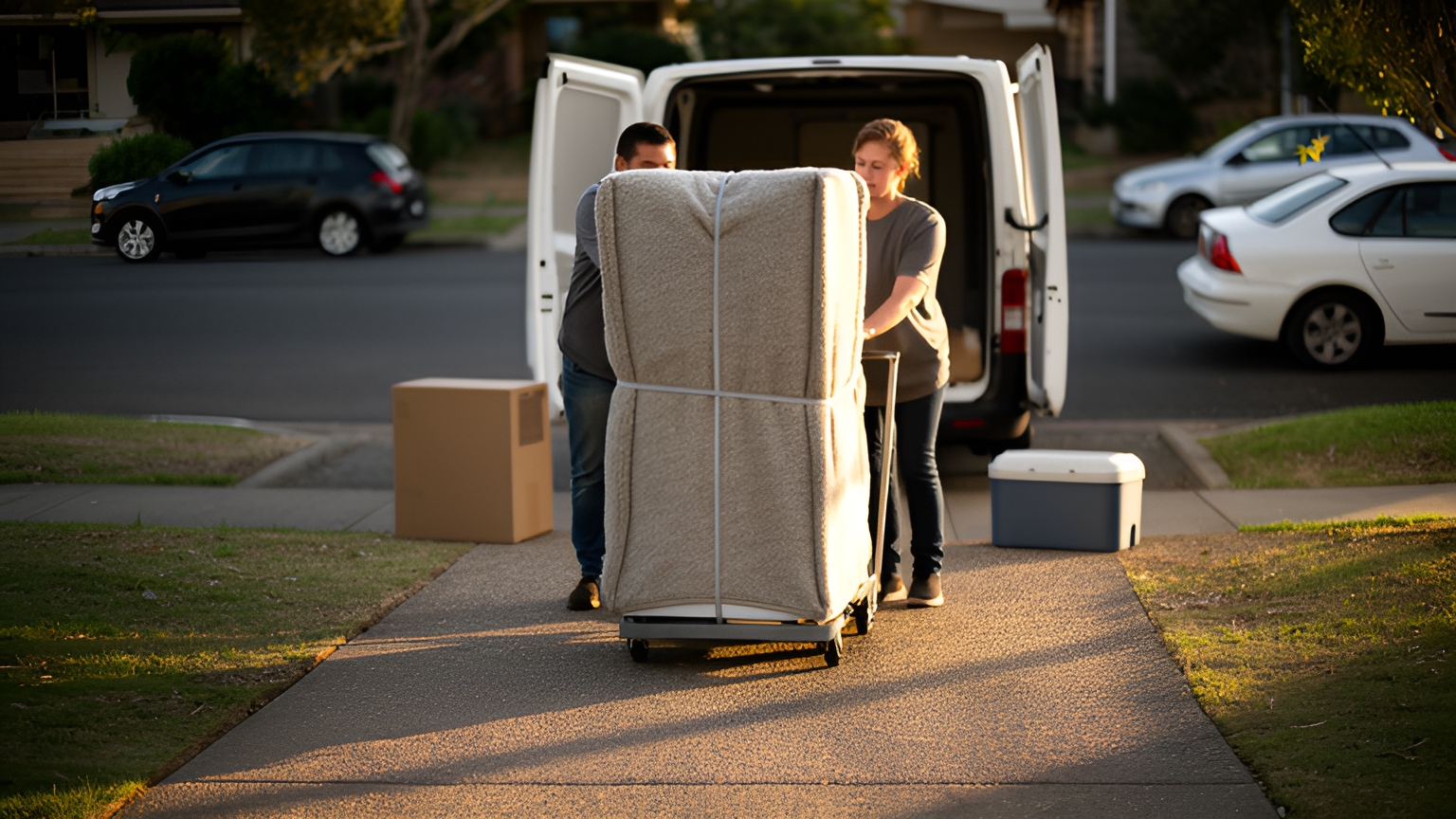
- Lay the blanket over the screen and fold it around the back, so the panel only ever touches soft fabric.
- Place one sheet of cardboard on the front and one on the back, overhanging the TV slightly on every side.
- Fold cardboard strips into thick L shapes and fit one over each corner. Corners take the hardest knocks when a TV is set down.
- Tape the cardboard sandwich together around the outside. The tape should only ever touch cardboard, never the panel or the frame finish.
- Wrap the whole bundle in stretch wrap or plastic.
- Mark the screen side and the top edge clearly with the marker, and write FRAGILE on both faces.
The same layering of soft fabric, rigid board and built-up corners works for mirrors and framed pictures. If those are moving on the same day, the guide to packing glass items for a courier covers the details.
If someone else will be carrying the TV, add a label with the receiver's name, address and phone number, as set out in the guide to preparing a parcel for courier delivery.
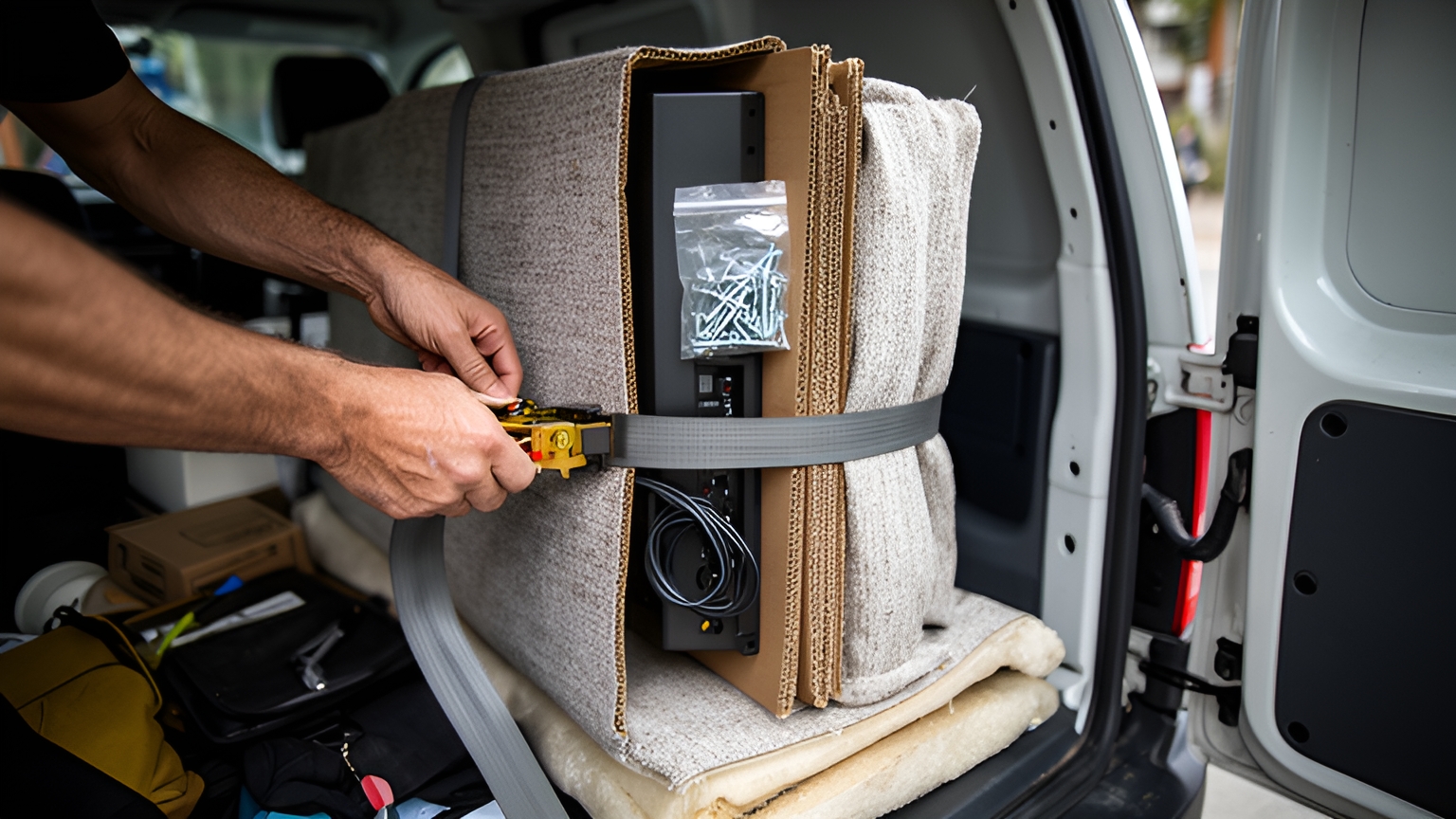
Measuring, loading and strapping a TV in a car, ute or van
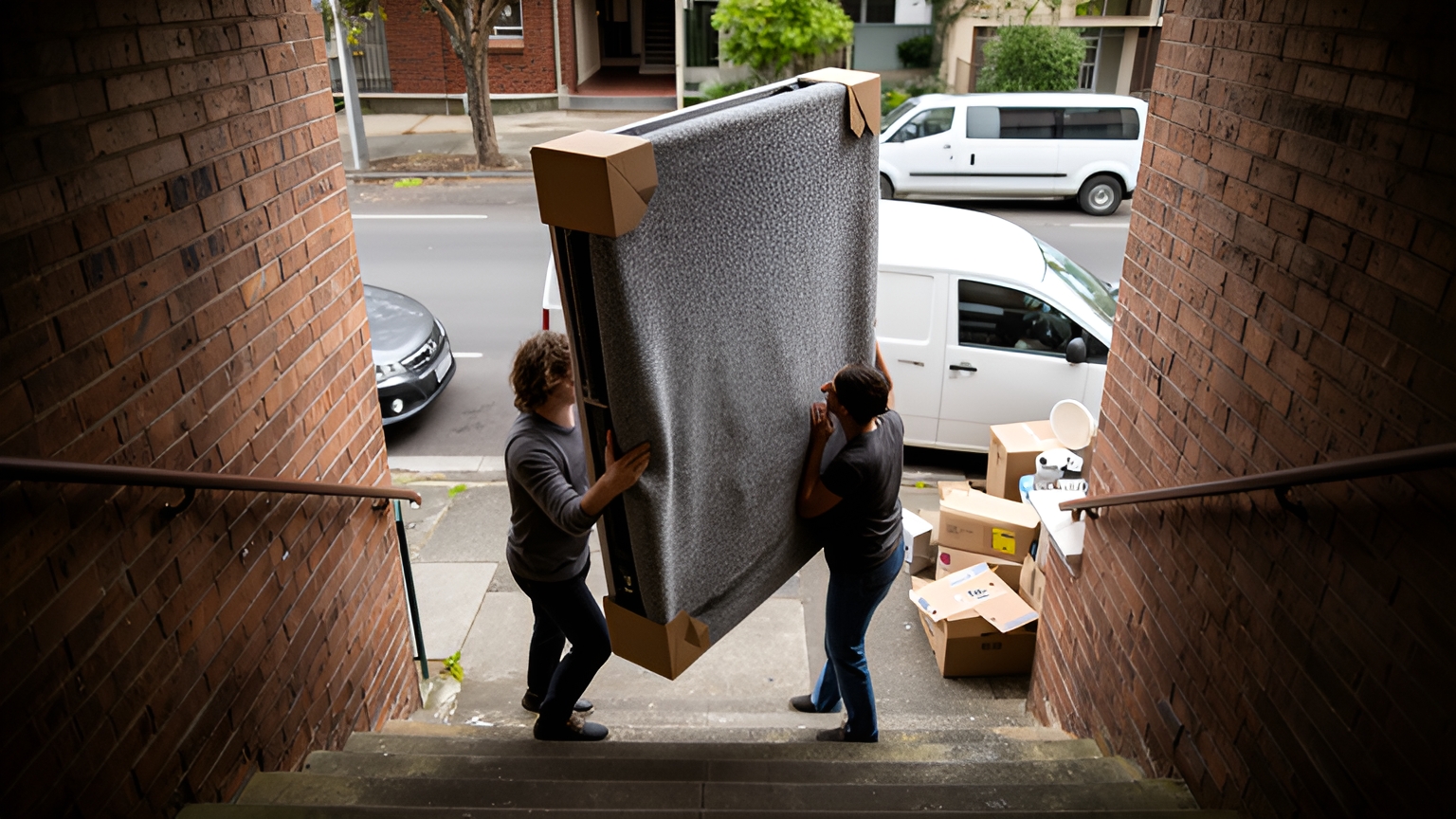
Picture a large TV coming down two flights of stairs from a rental in Ringwood, then an hour across Melbourne to a new place in Footscray. It is an ordinary move, and it goes smoothly when the measuring happens before anyone lifts the TV.
The size on a TV's label is the diagonal of the screen, not its height, width or packed size. So measure the wrapped bundle's longest side and its depth, then measure the boot or door opening rather than the boot floor. Fold the seats down and measure again.
For the stairs, walk the route first. Clear the hallway, prop doors open, decide who walks backwards, and agree where you will stop to rest at each landing.
Once it is outside, how you secure it depends on the vehicle. In plain words, securing a load just means strapping it so it cannot slide, tip or bounce.
| Vehicle | Where the TV goes | How to secure it |
|---|---|---|
| Car | If the manual allows upright travel, stand it on its padded bottom edge behind the front seats. If it allows flat travel, lay it screen up on a padded surface with nothing on top. | Wedge it with cushions or pillows so it cannot shift, and run a seatbelt or soft strap around it. |
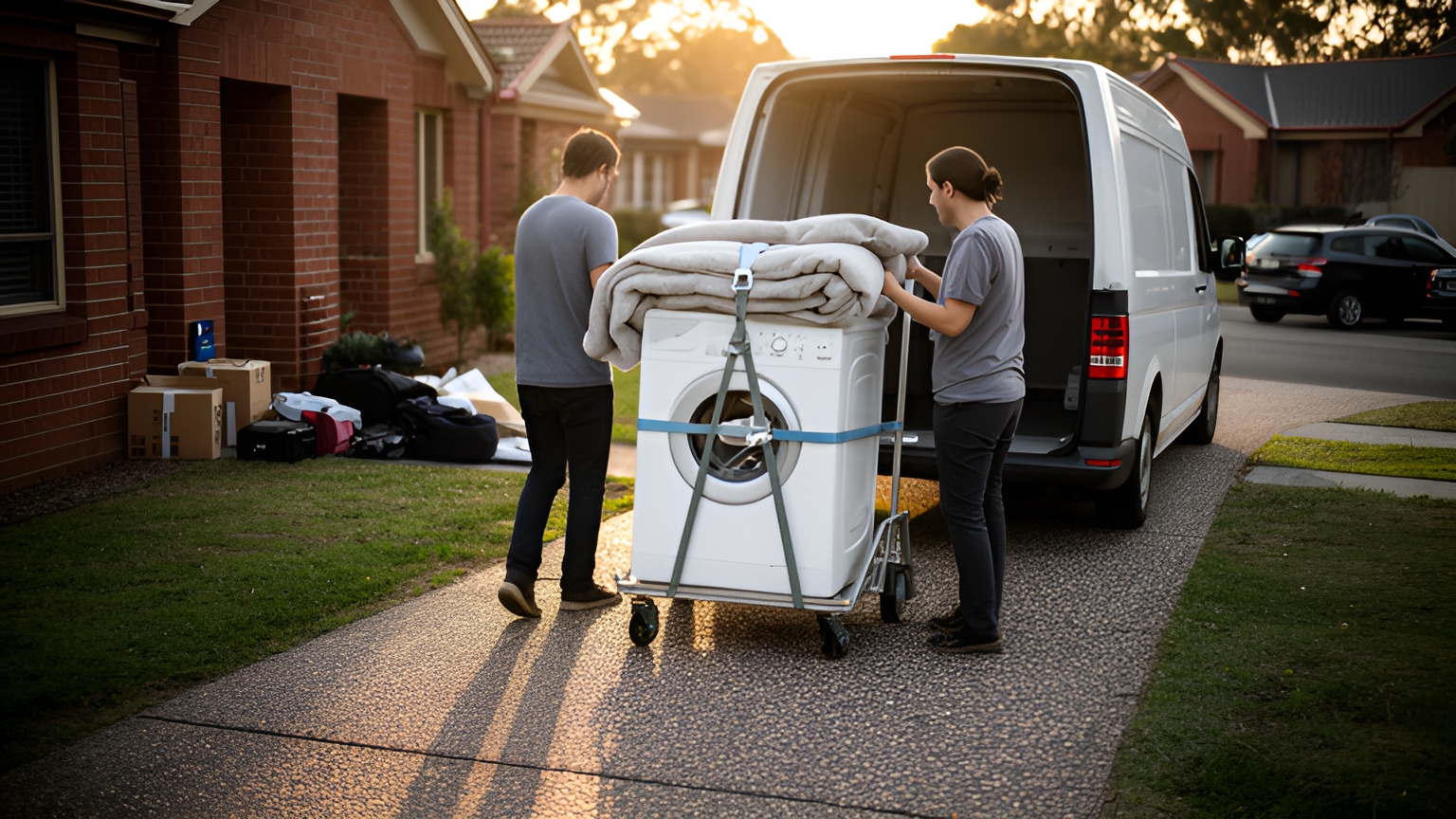
| Ute | Against the cab end of the tray, on a folded blanket, clear of the wheel arch bumps. | Ratchet straps to the tie-down points, with cardboard under the straps at the edges. Never loose in the tray, and covered against sun and rain. |
| Van | Against a side wall, with padding between the TV and the wall. | Strap it to the wall rails, then load other items around it so nothing can slide into it. |
Tighten straps until the bundle is snug, but not so hard they bend the frame. The guide to moving a fridge safely shows how to strap tall items in a ute or van if you are moving both on the same day.
On the road, brake early, take corners slowly and ease over speed humps. Pull over after the first few kilometres to check the straps have not loosened.
Timing a TV move around summer heat and wet-season storms
Many new TVs are bought in late spring. The Australian Bureau of Statistics notes that "Spending typically reserved for Boxing Day sales has now shifted forward into the November month", so the trip home or to a family member's place can fall just as summer heat arrives.
The Bureau of Meteorology explains that "A heatwave is when the maximum and minimum temperatures are unusually hot over 3 days." Warm nights matter here: a parked car or a closed garage may not cool down overnight.
Heat can reach almost any part of the country. In January 2026, ABC News reported severe to extreme heatwave warnings across areas "spanning more than 3,500km from WA's north-west to Tasmania's north-east".
The weather data does not tell you how heat affects your particular TV, so treat these as sensible precautions:
- Check the storage temperature range in the manual and plan around it.
- Move the TV early in the morning on hot days, before the car heats up.
- Go straight there. A TV left in a parked car during a lunch stop sits in a closed, hot space.
- Agree a time when someone will be home, so the TV is never left on a sunny doorstep.
- If the TV has been through a big temperature change, follow any advice in the manual about letting it settle before switching it on.
In the north, wet weather is the bigger planning question. The Bureau of Meteorology's northern wet season summary records that "There were 11 tropical cyclones in the Australian region from October 2025 to April 2026, just above the average of 10".
If you are moving a TV in Darwin, Cairns, Townsville or Broome during the wet, keep the plastic layer on the bundle, pack a tarp for a ute tray, and load under a carport or awning. Check Bureau of Meteorology warnings the day before and again that morning, and keep a back-up day in mind.
Checking a TV on arrival and keeping a clear record
Whether a new TV is being delivered or your own TV is being moved by someone else, a few minutes of checking at the door saves a lot of back and forth later.
Before opening anything, photograph all six sides of the box or wrapped bundle. Capture any dents, tears, crushed corners or wet patches up close.
If you can see damage, mention it to the person delivering it at the time and note it on the delivery record. Follow up in writing the same day, with the photos attached.
Keep every piece of packaging until the TV is set up, powered on and checked. Then work through this quick test:
- Display a plain white image, then a plain dark one, and look across the whole screen for lines, dark patches or bright spots.
- Look closely at each corner for fine cracks.
- Try every input you use and check the remote works.
Save the photos, receipt and booking details in one folder on your phone. If you need to raise a problem, everything is in one place.
Before anyone else moves your TV, ask what cover applies. Cover is the protection that pays for repair or replacement if an item is damaged during the delivery, so check what it includes, any value limit and any packing conditions.
Sending a TV straight across town with a VIP booking through Zoom2u
Sometimes the TV does not fit in the car, there is nobody free to help lift, or the person receiving it lives on the other side of the city. Every packing step above still applies, but the driving can be handed over.
A VIP courier booking through Zoom2u means the first available independent driver who accepts the job collects the screen and takes it straight to the destination, with no other stops along the way. For a TV, that means it is loaded once and unloaded once.
That might be Ringwood to Footscray, using the same-day and VIP options across Melbourne. Or Chermside to Logan, with same-day delivery around Brisbane. Or a new TV going to a parent's place before Christmas.
For a large or high-value screen, a white-glove delivery booking can request two people to carry the TV, which helps when there are stairs or a tight hallway at either end. Live GPS tracking and photo proof of delivery let you and the person receiving it see when the TV arrives.
When you book through Zoom2u, have these details ready:
- The packed size of the TV, measured as described above.
- Stairs, lifts and tight hallways at both addresses, and where the driver can park.
- Whether you need the TV carried inside or left at the door.
- The receiver's name and phone number, and a time when they will be home.
- Your questions about what cover applies.
Frequently asked questions
Can I lay a flat-screen TV down on the back seat?
It depends on the model, so check the manual first. If the paper copy is gone, search the model number printed on the sticker on the back panel to find the manual online. If your model allows it to lie flat for a short trip, keep the screen facing up with nothing resting on it, and follow any advice in the manual about letting it stand before switching it on.
How do I know if a large TV will fit in my car?
The screen size on the label is the diagonal of the screen, not the size of the box or the wrapped TV. Measure the longest side and depth of the TV once it is packed, then measure the boot or door opening rather than the boot floor. Fold the seats down and measure again before anyone lifts the TV.
How long should I keep the packaging after a TV is delivered?
Keep every piece of packaging until the TV has been set up, powered on and checked across the whole screen. Photograph all six sides of the box before opening it. If something is wrong with a TV bought from a store, the Australian Competition and Consumer Commission (ACCC) explains your consumer guarantee rights.
What can I do with my old TV once the new one arrives?
A government-funded national scheme lets Australians recycle old TVs for free at drop-off points, so check your local council's website for the nearest one before moving day.
Will the driver carry the TV inside or leave it at the kerb?
Ask this when you book, because it changes who needs to be home and how many people are needed to lift. Mention stairs, lifts, tight hallways and where the driver can park, and agree a time when someone can be at the other end to receive it.
This article was drafted with AI assistance and checked by automated editorial, fact and legal review before publishing. Photographs are AI-generated.